
This is currently a draft page and is under review
The diary event screen is to be used to record the date and time of all attempted and successful events including arranging appointments by letter, phone call and interventions. The staff member involved should also be recorded.
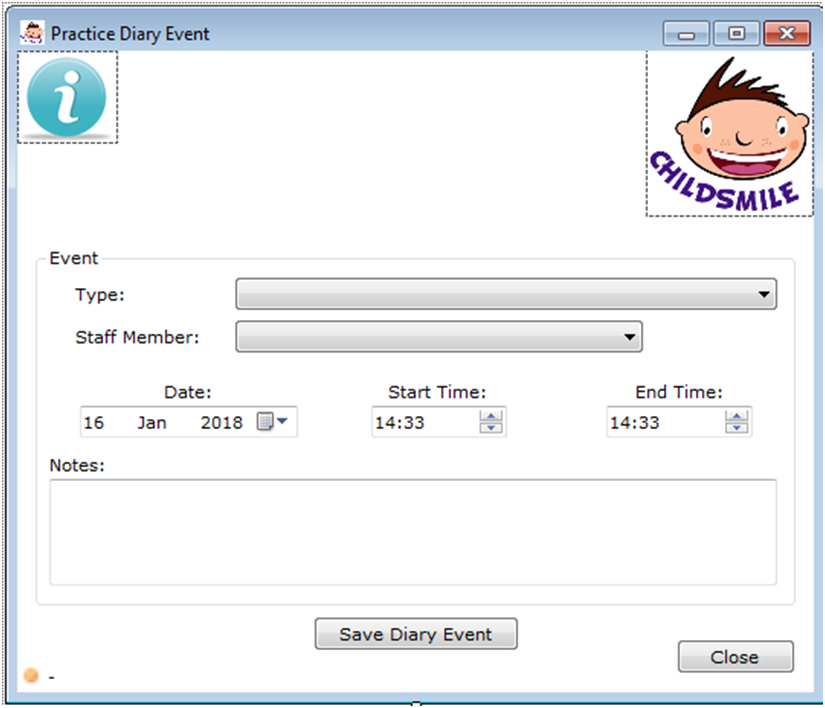
The type of contact are as follows but with additional options to identify if they were successful, unsuccessful or outstanding contacts. As shown on the ‘Practice Diary Event History‘ screen
- Phone Call (with family) – Call Answered
- Phone Call (with family) – Intervention *
- Phone Call (with family) – Message Left
- Phone Call (with family) – No Answer
- Text Message (conversation)
- Letter / Email (with family)
- Intervention took place *
- Intervention rearranged
- Intervention did not take place
- Registering practices list issued
- Added to waiting list
- Contact with other professional
* these are the only options which allow the intervention page to be active.
The ‘Notes’ box can be used to record any additional comments relevant to the event. Sensitive information should only be recorded into the ‘Notes’ box if it is relevant to Childsmile. Notes are for local use only and information contained within these boxes will not be viewed by Childsmile Data Monitoring teams on a regular basis.
Event history
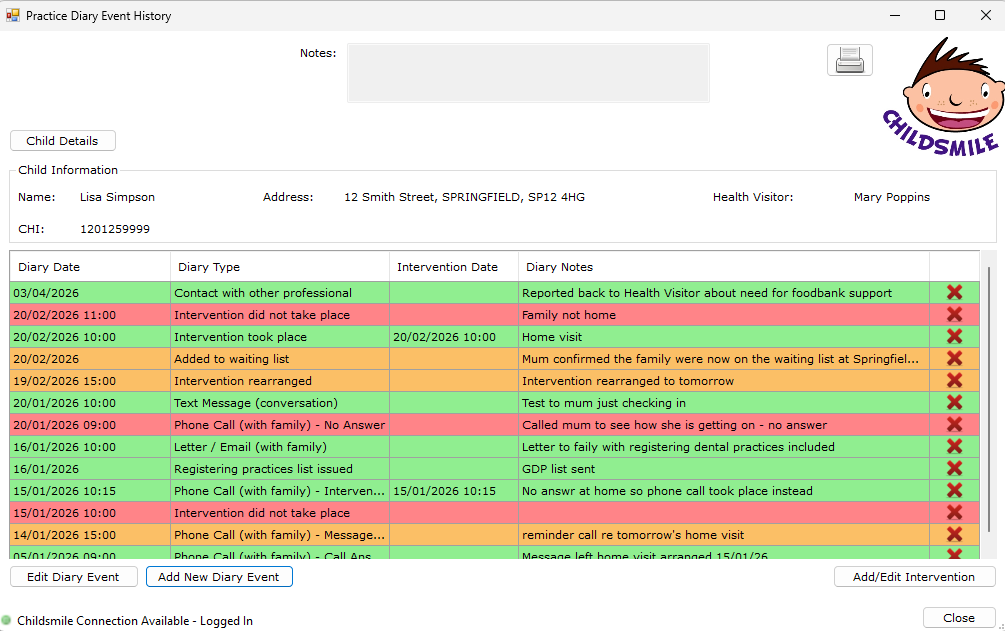
The event history is a log of all attempted and actual contacts and these have been colour coded to support the visual representation of the outcomes of each.
When an intervention takes place either in person or on the telephone this diary event will require to be created and then access to the intervention page will be accessible.